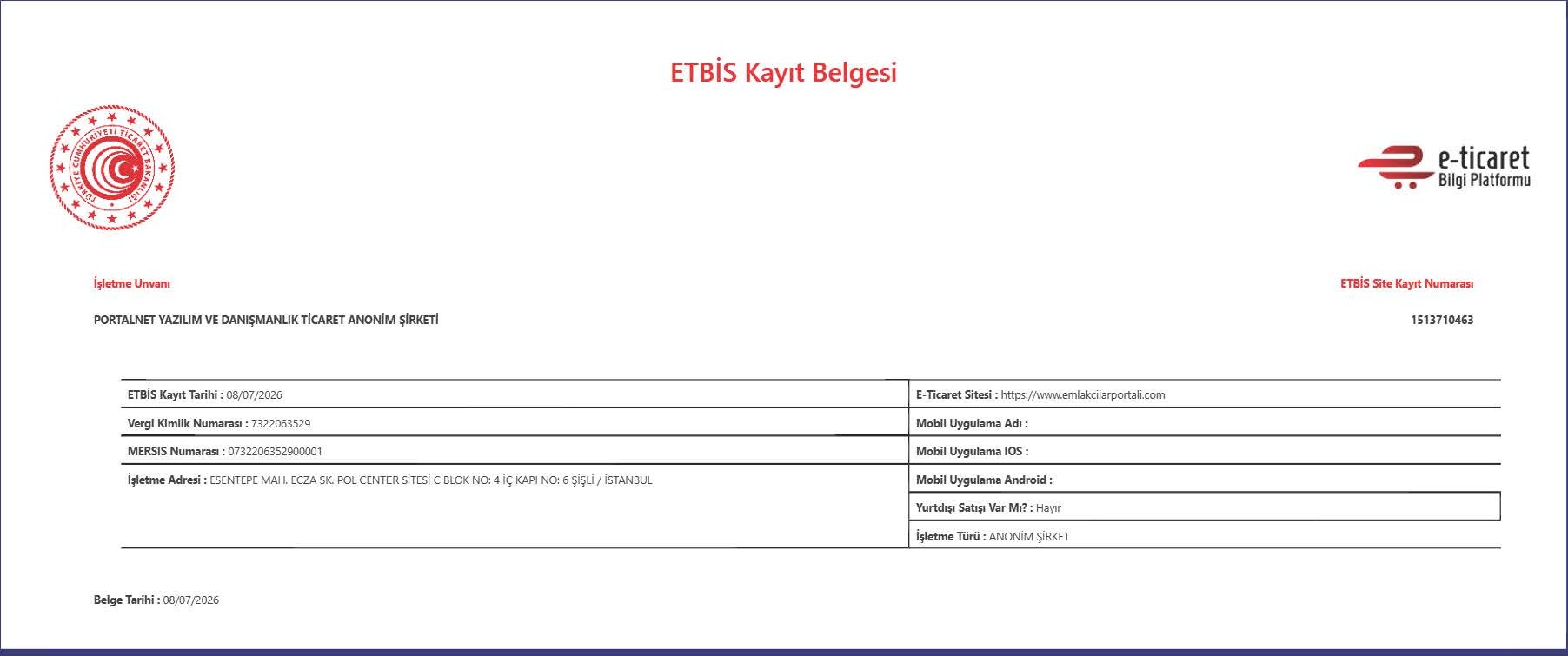
All your listings, on a single page just for you
With your web portfolio, clients can view your current listings via a single link, check the details of the desired listing, call you, or message you on WhatsApp.
Moreover, it's a prerequisite for sharing listings on social media.
How does it work?Why is it essential for social media?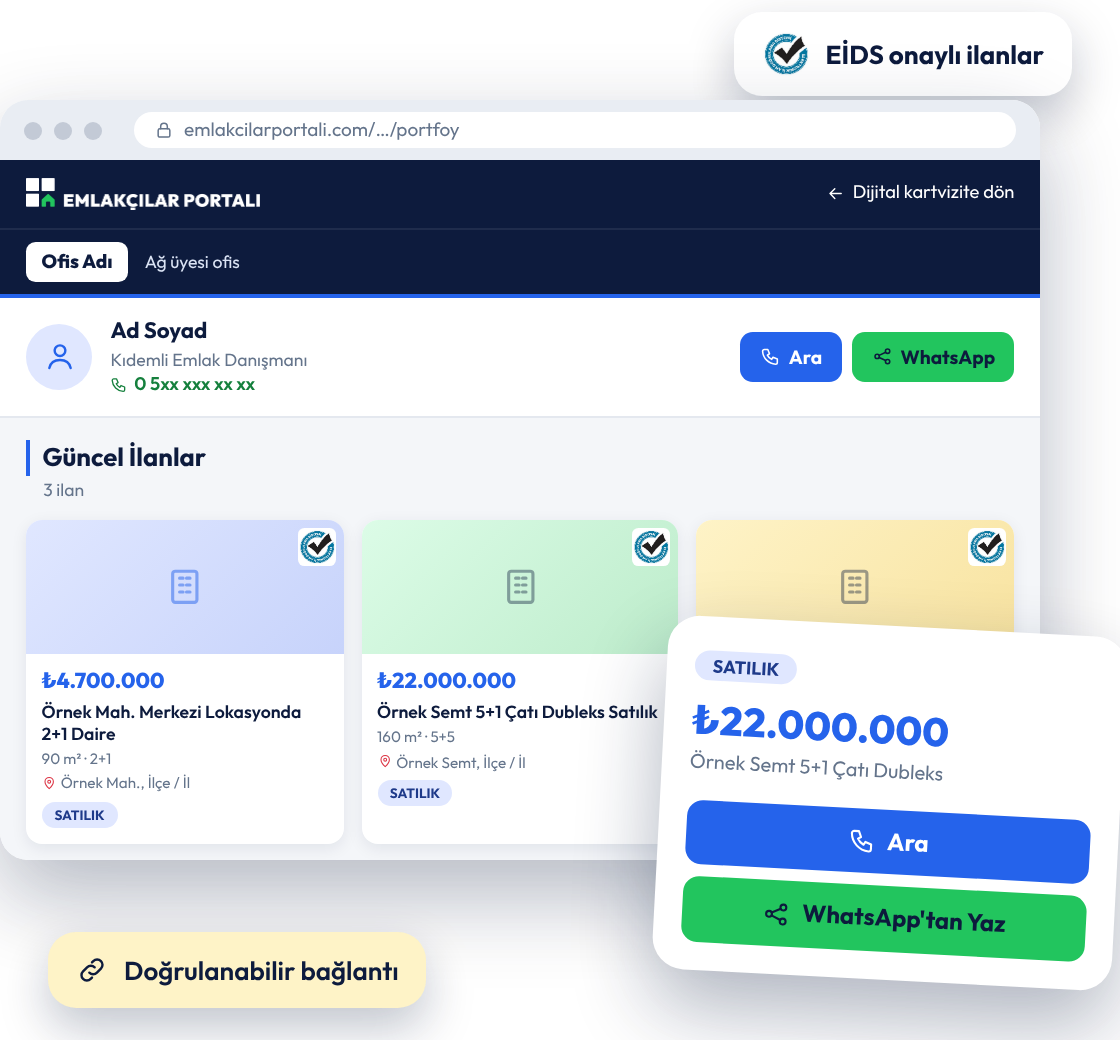

“Publish on Web Portfolio” must be enabled before sharing on social media
According to the Ministry of Trade regulation, real estate listings shared on social media must include a verifiable listing link. This link comes from the listing's page in the web portfolio.
Therefore, if the “Publish on Web Portfolio” option is disabled for your listing, you cannot share it on social media. Enable the option to make your link ready.
For complete social media sharing details: EİDS-approved listing sharing on social media
Your showcase, always open
Instead of sending your listings one by one via message, give your client a single link.
Let your web portfolio do the rest.

Your own portfolio page
As soon as you publish your listing on the web portfolio, a dedicated page is created for you. No need to set up a separate website.

All active listings in one place
Clients can see your current listings in a list; price, m², number of rooms, and location details are displayed on the card.

Detailed page for each listing
Photo gallery, description, listing features, and map view are available on the listing page. It also displays neighborhood information and real estate index.

One-touch access
Clients can call you directly from the page or message you via WhatsApp. No extra steps in between.

EİDS-verified listings
Listings on the page are published with EİDS verification. Clients can see the approval badge on the card.

Accessible from your digital business card
Your portfolio can also be accessed from the “My Portfolio” section of your digital business card. One QR code for both you and your listings.
Your portfolio is live in 4 steps
Add your listing, activate an option; your portfolio page is created automatically.
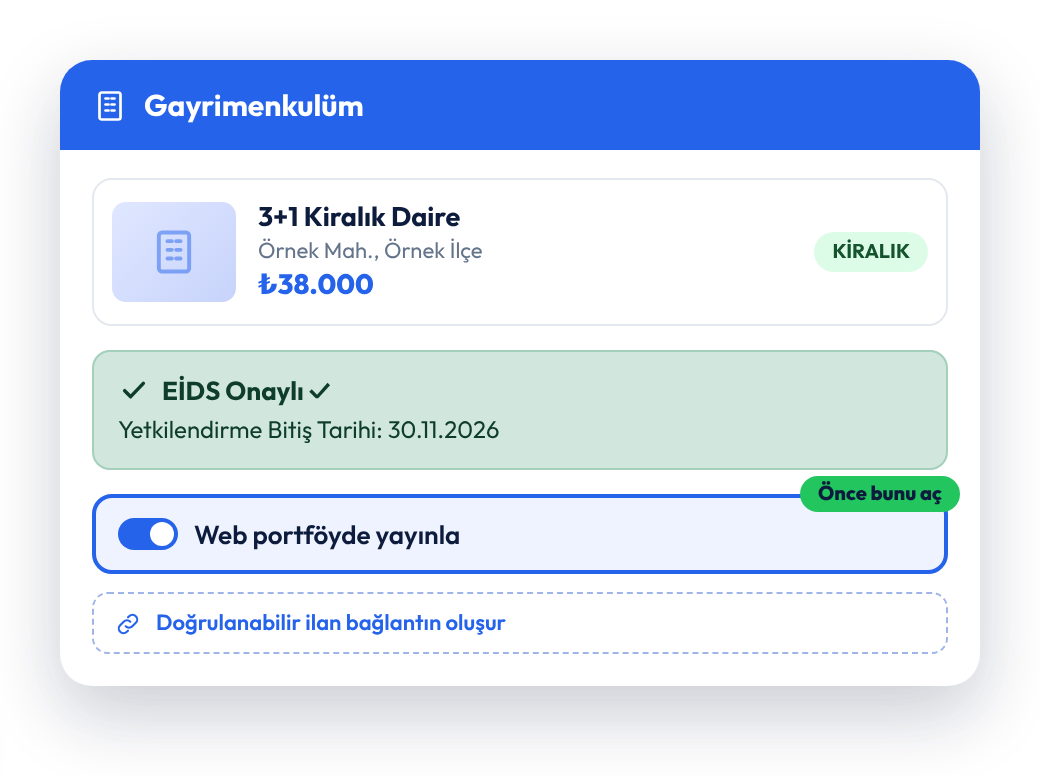
Activate "Publish on Web Portfolio" in the listing
Add your property to the system and complete the EİDS verification. Then activate the "Publish on Web Portfolio" option on your listing.
This step is mandatory if you plan to share on social media.
The verifiable link for your listing is created on this page.
Your portfolio page is created
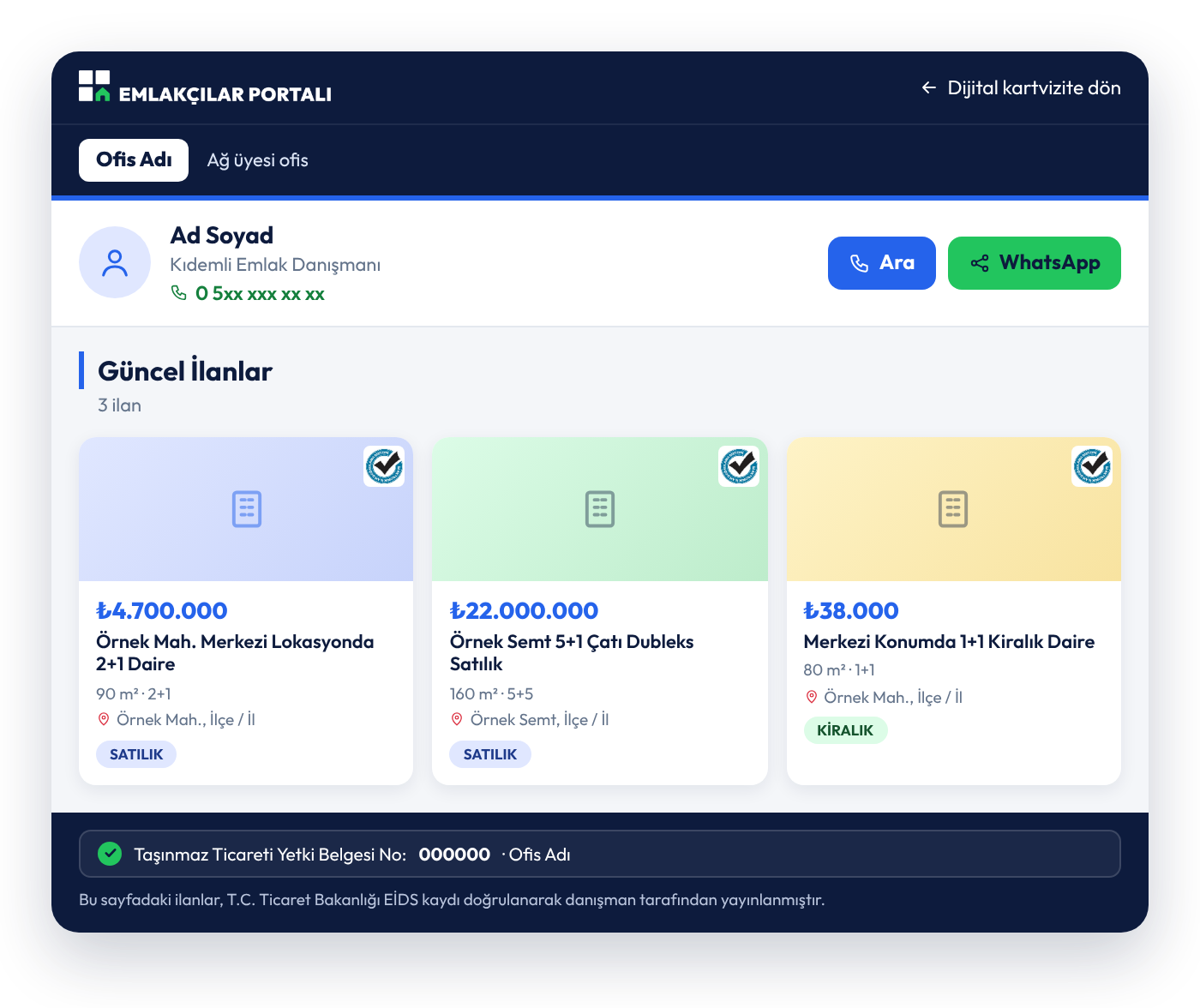
Your listing goes live, and a portfolio page is created for you. All your active listings are displayed with their prices, square meters, number of rooms, and locations.
You can also access the page from the "My Portfolio" section of your digital business card.
What is a digital business card?
Your client views the details of the desired listing
A client clicking on a listing from the list can view the photo gallery, description, and listing features. If they are not interested, they can return to the portfolio with one click and move on to another listing.
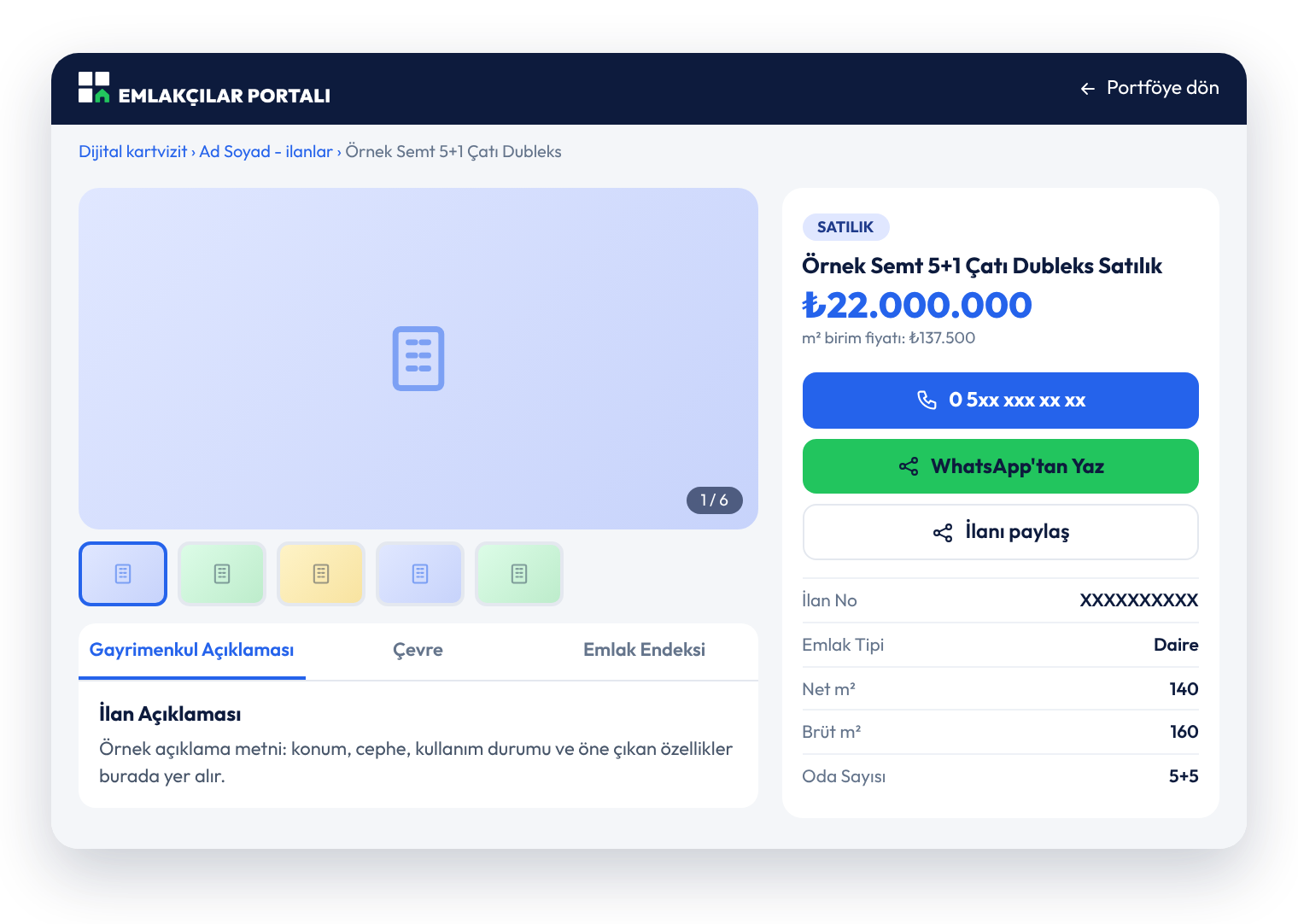
They call you or message you on WhatsApp
Your phone number and the "Message on WhatsApp" button are ready on the listing page. The client can contact you as soon as they are interested. To share the listing with a friend, the "Share Listing" button is also available.
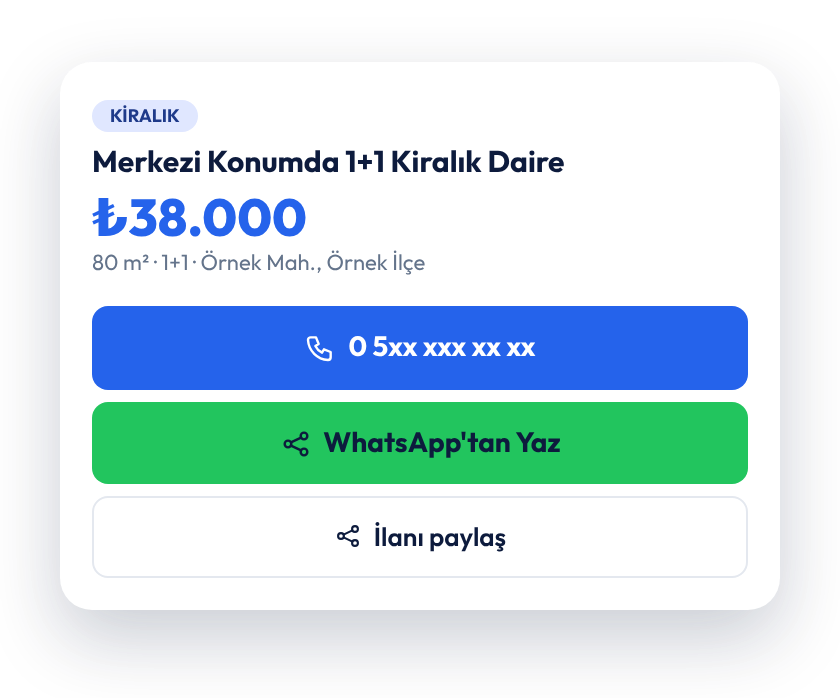

Information that builds client trust is ready on the page
At the bottom section of the portfolio page, your real estate trade authorization certificate number and the information that the listings are published with EİDS registration verification are also displayed.
Sending listings one by one or a single link?
Same portfolio, two different ways. The difference lies in how easily the customer accesses the listings and the time you spend.
Individual sharing
 You send each listing with a separate message and separate visualsThe customer cannot see your other listingsYou find the verifiable link yourselfThere is a risk of missing the rule in social media sharing
Web portfolio (Premium)
 All listings currently published in a single linkThe customer checks the details, calls you or writes to youThe verifiable listing link is ready for youThe prerequisite for social media sharing is fulfilled
Frequently Asked Questions
Who can access the web portfolio?▾
How is my web portfolio created?▾
Why should I enable "Publish on web portfolio" before sharing on social media?▾
How can I access my portfolio page?▾
Which listings are visible on the page?▾
How can a client contact me?▾
What details are visible in the listing?▾
Where can I get updated information about regulations?▾
Show all your listings to your clients with a single link
Add your listing, publish it on the web portfolio. Your portfolio is ready, and you're ready for social media too. With Emlakçılar Portalı Premium.
Become a Premium member